

Unlocking Success: Best Practices for Creating Accessible Websites that Boost User Experience and SEO
Most websites miss a huge opportunity by ignoring accessibility. When your site isn’t easy for everyone to use, you’re not just losing visitors—you’re losing search traffic too. In this post, you’ll learn straightforward best practices for website accessibility that improve user experience and boost SEO, helping your business stand out online with support from Eclipse Digital. Learn more about the connection between SEO and accessibility here.
Importance of Website Accessibility

Website accessibility is a game-changer, not just for inclusivity but also for boosting your site’s effectiveness. It can make a world of difference in how users interact with your content and how search engines rank it.
Boosting User Experience
A more accessible website means happier visitors. When users can navigate easily, find what they need, and interact without hassle, they are more likely to stay. Imagine a visitor with visual impairments using a screen reader. If your site has clear headings and alternative text for images, they can navigate seamlessly. By making these adjustments, you create a welcoming space for everyone, increasing the likelihood of repeat visits and positive word-of-mouth.
An example of how accessibility can enhance user experience is through simplified site navigation. Users appreciate when they can easily find your contact page or product listings. This simplification can reduce bounce rates and increase the time spent on your site—key factors in user satisfaction. The benefits of these adjustments are not just felt by users but also by your business’s bottom line.
Enhancing Search Engine Optimization
Accessibility is not just a user concern; it’s an SEO opportunity. Search engines favor sites that cater to all users, awarding them with better rankings. When your website is accessible, you’re ticking boxes for both users and search engines. This dual advantage means higher visibility in search results and more organic traffic.
Think about how search engines work. They read your site much like a screen reader does. So, if your site is optimized for accessibility, it’s likely optimized for search engines too. This includes having descriptive alt text for images, which not only aids users but also helps your site appear in image searches. You can delve deeper into these best practices at Siteimprove.
Best Practices for Accessible Web Design

Incorporating accessibility into your web design is both straightforward and rewarding. It enhances the user experience, boosts your SEO, and positions your brand as inclusive and forward-thinking.
Simplifying Navigation
Making navigation intuitive is crucial for usability. Visitors should never feel lost on your site. Start by streamlining your menu options. Limit them to the essentials, and use clear, descriptive labels. This not only helps users find what they’re looking for but also improves your site’s search engine ranking.
Consider using a consistent layout and placing the most important information upfront. For example, your contact information should be easy to find on every page. Using breadcrumb trails can also aid users in understanding their location on your site. A study found that simplifying navigation can increase conversion rates by up to 30%. A user-friendly navigation structure is a win-win for both visitors and search engines.
Ensuring Text Readability
Text readability is another cornerstone of accessibility. If users struggle to read your content, they will likely leave your site. Start by choosing a font that is easy to read, like Arial or Verdana, and maintain a font size of at least 16px. Use high-contrast color schemes to ensure text stands out against the background.
Breaking up text into shorter paragraphs and using bullet points for lists makes your content easier to digest. Remember, a clean and clear page is more inviting. You can find more actionable tips on enhancing readability at UNC’s Web Guide.
Partnering with Eclipse Digital
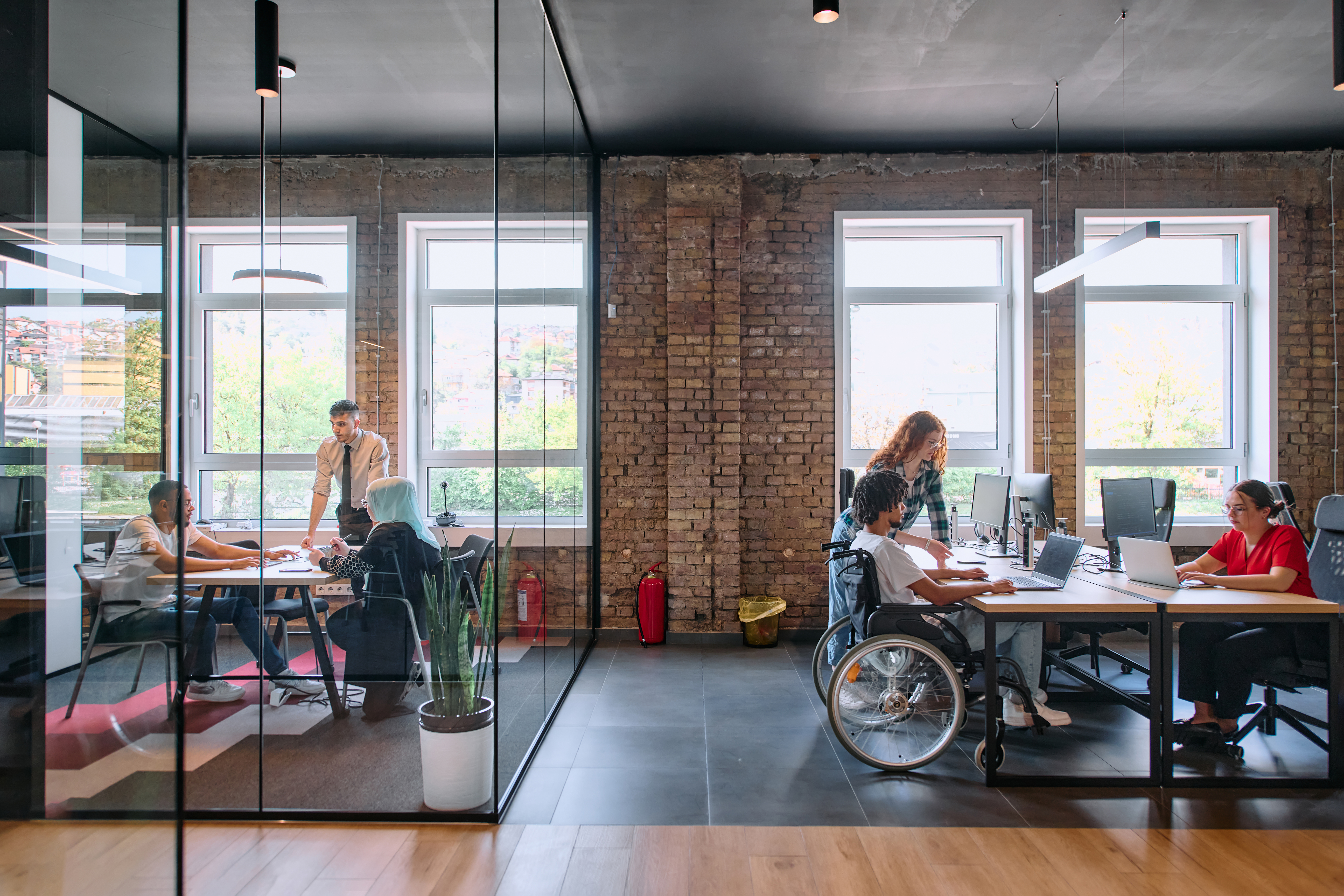
Navigating the path to accessibility can be challenging, but you don’t have to do it alone. Eclipse Digital offers expertise and tailored solutions to make your website shine.
Tailored Strategies for Your Business
Every business is unique, which is why Eclipse Digital takes a customized approach. We work with you to understand your goals and challenges, creating strategies that align with your vision. Whether it’s redesigning your site for better accessibility or optimizing it for search engines, our solutions are crafted to meet your specific needs.
Our agile service model allows us to quickly adapt to changes, ensuring your website remains current and competitive. This flexibility is part of what sets us apart from larger agencies. With Eclipse Digital, you have a partner who is as invested in your success as you are.
Success Stories and Client Testimonials
Our track record speaks for itself. From small businesses to larger enterprises, we’ve helped a range of clients improve their online presence. One satisfied client noted, “Working with Eclipse Digital was a game-changer for us. Our website is now accessible and ranks better in search results.”
Another client shared how their website traffic increased by 50% after implementing our accessibility recommendations. These success stories are a testament to the effectiveness of our methods and the dedication of our team. Learn more about how accessibility impacts SEO and usability from Lyssna.
🌐✨
By investing in website accessibility, you’re not just improving user experience and SEO—you’re opening doors to new opportunities and ensuring your business is inclusive and forward-thinking. Eclipse Digital is here to help you every step of the way, turning your website into a tool for growth and success.

