
The AI-Assisted SEO Workflow Every Small Business Should Follow (And Where It Breaks Down)

Last quarter, a concrete contractor we work with in the Minneapolis metro picked up 1,210 more search impressions than the quarter before. Two of their strongest local queries earned no clicks at all. That gap is the whole problem, and it is why the AI SEO workflow below starts somewhere different than most advice you have read. Not with a tool. With your own search data, and with an honest look at which rankings are still worth anything. Here is the process we run, the step almost everyone skips, and the point where doing it yourself stops making sense. Why most AI SEO advice sends you shopping instead of working Search the topic and you get tool roundups. Thirteen tools, five tools, the seven best platforms for 2026. Each one tells you what to buy and none of them tell you what order to do the work in. The tools are mostly fine. That is not the issue. The issue is that a tool answers “what should I look at,” and the thing you actually lack is a repeatable sequence with decision points in it, so that the work happens on a Tuesday in February whether or not anyone feels inspired. You can own Semrush and Surfer and still have published nothing in five months. The 23x statistic you keep seeing does not describe your business You have probably seen the claim that AI search visitors convert 23 times better than organic search visitors. It comes from Ahrefs, published June 16, 2025, and it is real: AI search made up 0.5% of their traffic over 30 days and produced 12.1% of their signups. It is also Ahrefs measuring Ahrefs. They are a software company with a free-tool funnel, a large library of educational content, and an audience of marketers who sign up for products online at two in the morning. In the same post they note their visitors tend to arrive already deep into the research process. That describes their business. It does not describe a manufacturer quoting custom tooling, or a contractor who books work over the phone after a site visit. When an agency quotes that number at you, ask whose data it is. The honest answer is that nobody has published a reliable AI-search conversion benchmark for home services, manufacturing, or most of ecommerce. We do not have one either. What the click data actually shows Fewer clicks, and the loss is concentrated in a specific place. The Pew Research Center tracked the browsing of 900 US adults across 68,879 Google searches in March 2025. When an AI summary appeared, people clicked a traditional result 8% of the time, against 15% when no summary appeared. Clicks on the links inside the summaries happened on 1% of visits. People also ended their session more often after a page with a summary, 26% versus 16%. One correction worth making, because this number gets mangled constantly. You will see it claimed that AI features now touch 58% of all searches. Pew’s 58% is the share of people who ran at least one search that month producing an AI summary. At the query level it was 12,593 of 68,879, closer to 18%. Big number either way. Not the number people keep citing. Now here is what that looks like inside a real account. Position 7 is the new page 2 In our concrete client’s Search Console data for the last three months, queries ranking in the middle of page one produced almost nothing: Query Avg position Impressions Clicks concrete services minneapolis 9.0 312 0 concrete contractors st. louis park 7.8 216 0 quality concrete (head term) 7.9 1,618 16 quality concrete services 4.3 445 36 Read the last two rows again. The head term sat at position 7.9, pulled 1,618 impressions, and returned 16 clicks. A narrower term sat at position 4.3, pulled less than a third of the impressions, and returned more than twice the clicks. The standard advice in this business is to hunt for “striking distance” keywords in positions 4 through 10 and nudge them up. That heuristic is now half wrong. Positions 4 through 6 still pay. Positions 7 through 10 increasingly do not, because an AI summary, a map pack, and a few ads sit above them and the user has their answer before they scroll. Account-wide across that same band, the client gained 43% more impressions and 31% more clicks quarter over quarter while their average position improved from 8.1 to 6.7. So this is not a disaster story. It is a targeting story: the work paid off precisely where it moved things into the top five, and produced nearly nothing everywhere else. One account, one industry, one metro. Do not treat it as a law. Check your own numbers against it. The six-step AI SEO workflow Six steps, unevenly weighted. Steps one and six take the most judgment and the least software. 1. Start with your own Search Console data, not a keyword tool Open Search Console, set the range to the last three months, and sort your queries by impressions. You are looking for terms sitting between positions 4 and 6 with impressions and weak clicks. Those are reachable. Terms parked at 8 or 9 need a different decision: either commit real effort to move them inside the top five, or let them go. Keyword tools estimate. Search Console reports what actually happened on your site. Start with the one that is true. 2. Read your query list for sentences, not keywords This is the step nobody tells you about, and it takes ten minutes. Scroll your query list for anything written like a sentence. In a metal machinery client’s account we found “where can i buy a new tech machinery rollformer in the united states?” pulling impressions at position 8.8. In Eclipse’s own account: “best us-time-zone b2b commerce agency under $750k for a mid-tier manufacturer.” Nobody types that into a search box. That is a query with a budget ceiling, a
AI Workflows for Businesses: How to Systemize Operations Without Adding More Busywork
Most businesses don’t have a tool problem. They have a systems problem. Leads come in from the website, email, social, ads, referrals, and the phone. Follow-ups live in someone’s inbox. Customer details get copied by hand from one platform to another. Reports get built manually every week. Tasks get created after someone remembers to create them. The business keeps moving, but too much of that movement depends on one person remembering every step. That’s where AI workflows help. Not because AI is magic, and not because every business needs another platform bolted on. AI workflows are useful when they turn a process you repeat every week into something reliable that doesn’t depend on memory. The problem isn’t a lack of AI. It’s a lack of systems. Most businesses already run plenty of software. A website, a CRM, email marketing, a calendar tool, project management, accounting, analytics, maybe some industry-specific platform on top of all that. The problem is those tools don’t talk to each other. A form gets submitted but never creates a CRM record. A sales call happens but no follow-up task gets assigned. A customer approves a project but someone still has to build the onboarding checklist by hand. A manager wants a weekly snapshot but the numbers live in five different places. That’s operational drag. People spend their time moving information around instead of using it. AI workflows fix that by connecting the steps that already happen inside your business, so the process repeats itself correctly without someone babysitting it. What an AI workflow actually is It’s a repeatable process that uses automation, integrations, business rules, and AI to move work from one step to the next. A lead fills out a form. The workflow captures it, has AI summarize what the lead needs, checks it against your criteria (service type, budget, location, urgency), creates the CRM record, assigns a task, drafts a first response, and schedules the follow-up. Your team gets an alert instead of a raw form submission sitting in an inbox. The human is still making the decisions. They’re just not the one manually stitching every step together anymore. Every workflow worth building has the same five pieces: That last one matters most. Good AI workflows don’t remove judgment. They remove the busywork sitting around it. Where this actually pays off Start with the process you repeat most, not the one that sounds most impressive. Lead intake. Someone reads every inquiry, decides if it’s a fit, adds it to the CRM, routes it, and writes a reply. An AI workflow can summarize the inquiry, classify it, tag the service interest, check basic qualification, route it to the right person, and draft the first response for a human to approve. Faster follow-up, and it’s consistent every time instead of depending on who happened to see it first. Sales follow-up. This is where revenue quietly leaks out of most businesses. Interested lead, no follow-up scheduled. Proposal sent, no reminder set. Question asked, answer buried in an inbox somewhere. A workflow can build the follow-up task, draft the check-in email, and flag anything sitting too long in the pipeline. The message still goes out as a draft for a human to send, not blind. Customer onboarding. The first few days after someone says yes set the tone for the whole relationship, and it’s also where a lot of businesses create friction they don’t need to. Folders, intake forms, internal tasks, kickoff scheduling, missing-asset tracking, all of it can trigger automatically the moment a deal closes instead of waiting on someone to remember to start it. Support and reporting. Support requests can get summarized, classified, and routed on arrival, with recurring issues surfaced instead of buried. Reporting works the same way: pull from the systems you already run and turn it into one operating summary, new leads, source performance, open proposals, overdue follow-ups, instead of a dashboard nobody remembers to check. Where n8n, Dify, and Zapier actually fit The tool isn’t the strategy, the workflow is. But once you know what you’re building, the tool choice gets easy. Zapier is the right call for straightforward app-to-app automation where speed matters more than complexity. n8n is what we reach for when a workflow needs branching logic, custom API steps, or real control over how data moves. It’s our default for anything with more than two or three decision points. Dify earns its spot when the workflow needs an AI-powered assistant, chatbot, or agent doing more than routing, an actual structured LLM interaction. Most systems we build end up using more than one. A CRM owns the customer record, n8n connects the systems, AI drafts and summarizes, and a project management tool tracks the work. That’s normal. The point isn’t to pick a winner, it’s to design the workflow first and let the tools fill in around it. What not to automate Don’t automate a broken process. If the steps are unclear today, automation just makes the confusion move faster. Don’t let AI make high-trust decisions without a human checking it first. Pricing, contracts, sensitive customer communication, legal language, anything public-facing, that all needs a person in the loop. Don’t build a workflow with no owner. Someone has to be responsible for watching it, fixing it when a tool changes something, and improving it over time. Automation left unattended breaks quietly and nobody notices until a customer does. How we actually approach this We work across home services, manufacturing, and ecommerce, and the tools change client to client, n8n as the connector layer, ClickUp or HubSpot as the CRM and project layer, QuickBooks for the financial side. But the questions we start with don’t change: Where is the business losing time? Where are leads or customers falling through the cracks? Which repeated tasks are slowing the team down? What does leadership need to see that they’re not currently getting? Which steps genuinely need a human, and which ones are just busywork wearing a human’s name? From there it’s mapping
Your business doesn’t need more tools. It needs mission control.
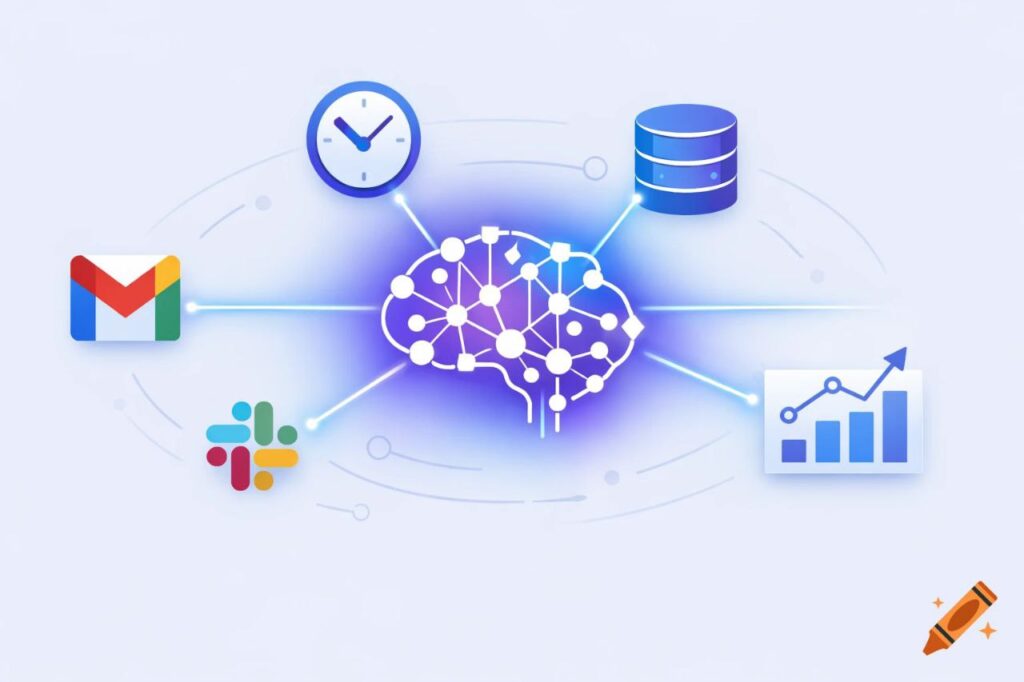
Stop context-switching between a dozen tools. OpenClaw transforms Claude AI into an integrated business assistant that connects Gmail, HubSpot, Slack, and more—giving you a single AI mission control for your entire operation.
Building Your Digital Staff: A Practical Guide to AI Agents for Business
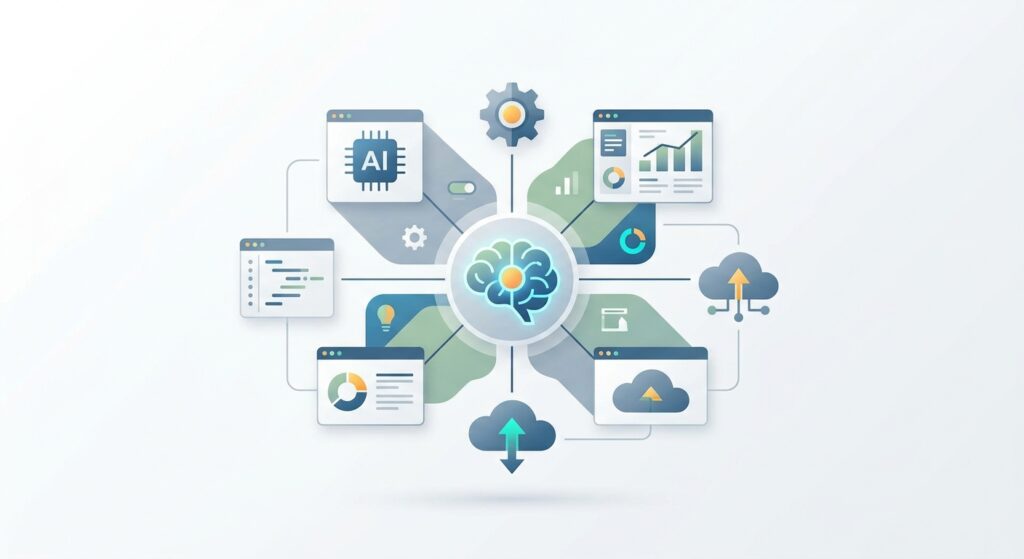
What if you could hire a receptionist, follow-up coordinator, and proposal writer tomorrow—no interviews, no onboarding, just instant capability? Here’s your practical guide to building a digital staff with AI agents.
What’s Your OpenClaw Strategy? Moving from Random AI Tools to Real Business Automation
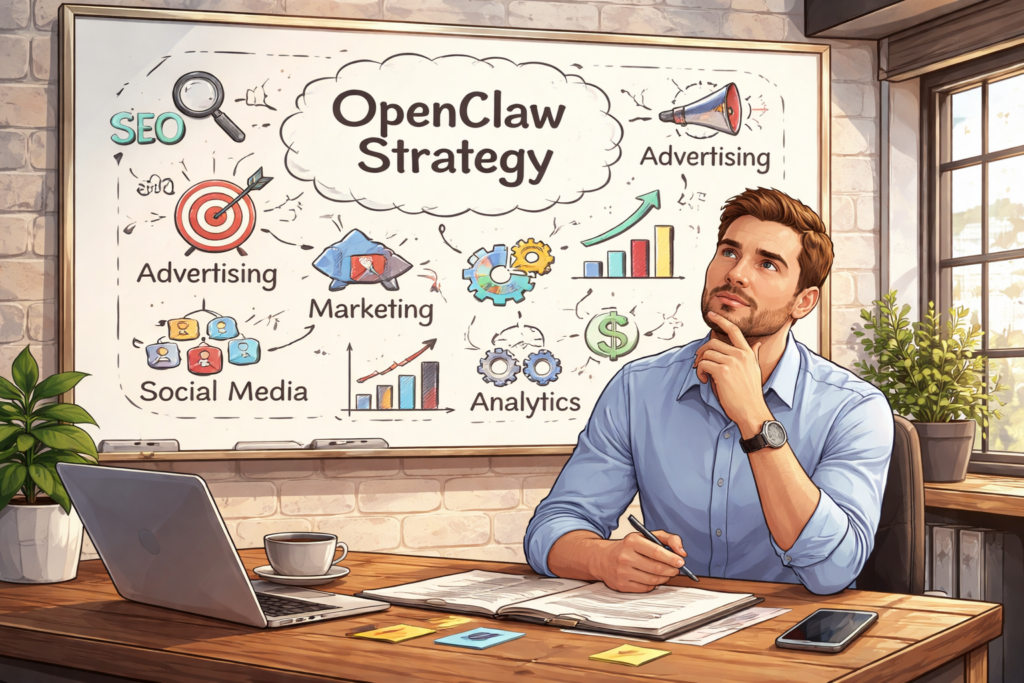
You’re using AI. Your team is using AI. Everyone’s using AI. But here’s the uncomfortable question: Do you have an AI strategy? If you’re like most businesses right now, the honest answer is no. You’ve got ChatGPT subscriptions scattered across departments. A few Zapier workflows cobbled together by that tech-savvy marketing manager. Maybe your CRM added an AI feature you’re sort of using. Perhaps someone in operations discovered Claude and swears by it for writing reports. This is what Thryv and the U.S. Chamber of Commerce are calling “Shadow AI” or “AI Sprawl” in their recent surveys. It’s the business equivalent of having a dozen disconnected apps all trying to solve the same problem in different ways. And while it feels like progress, it’s actually creating a dangerous illusion of improvement. The truth is, there’s a massive difference between using AI tools and having an AI strategy. One is reactive, fragmented, and expensive. The other is systematic, integrated, and genuinely competitive. The question isn’t whether you should adopt AI. You’re already doing that. The real question is: when will you stop accumulating tools and start building infrastructure? The hidden cost of “winging it” Recent surveys from Thryv and the U.S. Chamber of Commerce reveal that 55-68% of small and mid-sized businesses are now using AI in some capacity. That’s remarkable growth in just two years. But dig deeper into those numbers, and you’ll find something troubling: most of these businesses are just experimenting, not executing. They’re paying for multiple subscriptions. ChatGPT Plus, Jasper, Copy.ai, Zapier, maybe a few API credits here and there. Each tool promises to save time. Each integration claims to boost productivity. Yet somehow, teams feel busier than ever, drowning in a sea of disconnected platforms that don’t talk to each other. Here’s what that “winging it” approach actually creates: Data silos everywhere. Your marketing AI doesn’t know what your sales CRM knows. Your customer support tool can’t access your product database. Every system operates in isolation, forcing humans to be the connective tissue, copying, pasting, translating, and manually syncing information between platforms. Security blind spots. When employees adopt tools independently, IT has no visibility into what data is flowing where. Sensitive customer information gets pasted into third-party platforms with unknown data policies. Compliance becomes a nightmare. You can’t protect what you can’t see. Subscription bloat. Five team members each paying for their own ChatGPT Plus account. Three different automation platforms because different departments started with different tools. Duplicate functionality across systems because nobody realized another team already solved that problem. Cognitive overhead. Your team spends mental energy not just on their actual work, but on remembering which tool to use for what, how to format data for each platform, and which workarounds make incompatible systems cooperate. This isn’t progress. It’s chaos with a modern interface. The problem isn’t the individual tools (many are excellent at what they do). The problem is treating AI adoption as a procurement decision rather than an architectural one. You wouldn’t build a house by buying random building materials and hoping they fit together. Why would you build your business’s AI infrastructure that way? Tactical vs. strategic: a real-world comparison Let’s make this concrete. Consider two approaches to the same business problem: handling customer email inquiries. The tactical approach: Your customer service rep gets an email. They copy the message into ChatGPT and ask it to draft a professional response. They review the output, make some edits, then paste it into their email client and send it. Maybe they log the interaction in a spreadsheet. If they’re sophisticated, they’ve got a Zapier workflow that moves certain emails to a specific folder. This saves a few minutes per email. It feels productive. It is, marginally, better than nothing. The strategic approach: An OpenClaw agent monitors the inbox continuously. When an email arrives, it automatically categorizes the intent (support request, sales inquiry, partnership proposal). It pulls relevant context from your CRM: previous interactions, account status, outstanding issues. It cross-references your knowledge base for product-specific details. It drafts a contextually appropriate response that maintains your brand voice and includes accurate information. For routine inquiries, it sends the response autonomously. For complex situations, it flags the message for human review with a summary of the situation and a recommended approach. No copying. No pasting. No context switching. No manual logging. The entire workflow is invisible until human judgment is actually needed. See the difference? One is a productivity hack. The other is infrastructure. The tactical approach makes individual tasks slightly easier. The strategic approach eliminates entire categories of work while simultaneously improving quality, consistency, and response time. This distinction (tactical versus strategic) is the divide in AI adoption right now. Most businesses are stuck in the tactical mindset, asking “What can AI do for me?” when they should be asking “How should AI reshape how we work?” What OpenClaw actually is (and isn’t) Let’s clear up a common misconception: OpenClaw isn’t another chatbot. It’s not a tool you open when you need to write something or analyze data. It’s not competing with ChatGPT or Claude or Gemini. OpenClaw is an orchestration layer. A central nervous system for business automation that connects and coordinates everything else. Think of it this way: Individual AI tools are like having talented specialists who work in separate offices and never communicate. OpenClaw is the organizational structure that lets those specialists collaborate, share context, and work toward common goals. At its core, OpenClaw provides three critical capabilities that scattered tools simply cannot: Workflow automation that actually works. True automation means eliminating human intervention from routine processes, not just making those processes slightly faster. OpenClaw can monitor triggers across multiple systems, make contextual decisions about what to do next, execute complex multi-step workflows, and handle exceptions intelligently, all without someone clicking “Run” each time. Data integration across your entire business. OpenClaw breaks down the silos. It connects your CRM with your email with your calendar with your project management system with your
How to create an AI marketing workflow (reality check)
You’ve seen the demos. AI that writes perfect emails. Tools that score leads with “99% accuracy.” Platforms that promise to automate your entire marketing operation while you sip coffee and watch the revenue roll in. Here’s what they don’t show you: the three weeks spent cleaning up your CRM data. The integration specialist on call at 9 PM trying to connect your legacy email platform to the new AI tool. The brand manager reviewing AI-generated content that sounds like it was written by an enthusiastic robot who’s never actually met your customers. AI marketing workflows are powerful. They’re also not point-and-click. If you’re a marketing leader evaluating AI adoption or a B2B company knee-deep in implementation, this is the realistic guide you’ve been looking for. No hype. Just the truth about what works, what doesn’t, and where you actually need help. What an AI marketing workflow actually looks like Start with what you’re building toward. A functional AI marketing workflow isn’t a single tool—it’s an integrated system where AI handles scale and speed while humans provide strategy and creativity. Content generation AI can produce blog drafts, social media posts, and email copy at scale. But “produce” doesn’t mean “publish.” You’re creating a workflow where AI generates first drafts based on your brand voice guidelines, and humans refine, fact-check, and add the personality that makes content actually connect. Tools like Jasper or ChatGPT can create 80% of a blog post in minutes. Getting that last 20% right—the stuff that sounds like your brand—requires human judgment. Lead scoring and qualification This is where AI shines. By analyzing behavioral data (website visits, email opens, content downloads) and firmographic information (company size, industry, role), AI can score leads in real-time. Your sales team stops chasing cold leads and focuses on prospects showing genuine buying signals. But someone needs to define what “high-intent behavior” actually means for your business and continuously refine those models. Email personalization Gone are the days of “Dear [First Name]” being considered personalized. AI-powered email workflows use dynamic content blocks that adapt based on recipient behavior, industry, previous interactions, and stage in the buyer journey. The same campaign can send hundreds of variations. But designing those variations, deciding which triggers matter, and A/B testing the strategy? That’s human work. Analytics and optimization AI processes campaign data faster than any human analyst could. It identifies patterns, predicts performance, and recommends channel optimizations. The catch: it tells you what’s happening and predicts what might happen. Deciding what to do about it—that’s still your call. Customer interaction AI chatbots handle the initial engagement, answer FAQs, and qualify visitors before routing complex questions to human agents. This works beautifully for “What are your business hours?” It needs careful handoff protocols for “We’re considering a $500K contract and have questions about enterprise support.” This is the vision. Now we need to talk about why getting there isn’t as simple as signing up for a platform. The implementation reality: pain points nobody warns you about If you’ve tried implementing AI marketing tools, you’ve hit at least one of these walls. If you’re just starting, buckle up. Data quality and privacy: the 40% problem More than 40% of companies cite data privacy and quality as their biggest AI adoption hurdle—and for good reason. AI is only as good as the data you feed it. That CRM with duplicate contacts, outdated job titles, and inconsistent formatting? AI will learn from that mess and amplify it. Then there’s privacy compliance. GDPR, CCPA, and industry-specific regulations don’t care how innovative your AI workflow is. You need clean data pipelines, clear consent management, and audit trails. Most marketing teams aren’t set up for this level of data governance. Real example: A B2B company spent four months preparing their customer data for AI lead scoring. Not because the AI was complicated—because their data was scattered across three systems with conflicting customer records. Integration complexity You’ve got HubSpot for email, Salesforce for CRM, Google Analytics for web data, and now you want to add AI-powered content creation and lead scoring. Making these systems actually talk to each other—passing data back and forth in real-time without breaking—is genuinely difficult. Legacy systems weren’t designed to integrate with AI tools. You’ll need APIs, middleware, custom connectors, and someone who understands how data flows through your entire marketing stack. Tool sprawl is real, and every new platform adds complexity. Skill gaps Your marketing team knows marketing. They probably don’t know prompt engineering, model fine-tuning, or how to interpret AI confidence scores. This isn’t a criticism—it’s just reality. Building an effective AI marketing workflow requires cross-functional expertise: marketers who understand strategy, data specialists who can prepare and manage datasets, technical staff who handle integrations, and increasingly, people who know how to “talk to” AI systems effectively. Most companies don’t have this team assembled. Brand voice consistency AI can write 500 social posts in an hour. Will they sound like your brand? Probably not at first. AI-generated content has a distinctive… blandness. It’s grammatically correct and informationally accurate, but it lacks personality. Training AI to match your brand voice—the tone, the specific phrases you use, the subjects you avoid—takes time and continuous refinement. You need humans reviewing outputs, flagging what’s off-brand, and feeding that back into the system. One marketing director put it bluntly: “Our first AI-generated emails sounded like a friendly corporate lawyer. Technically fine, but nobody would ever hit reply.” Strategy and optimization Many organizations implement AI tools without a clear strategy. They know they’re “supposed to” use AI, so they subscribe to platforms and hope for the best. This doesn’t work. You need defined goals (what are you trying to achieve?), success metrics (how will you know it’s working?), and continuous optimization processes. AI isn’t set-and-forget. It requires ongoing monitoring, A/B testing, prompt refinement, and strategic adjustments. Where the AI consultant comes in This is the part where we’re supposed to say “and that’s why you need us!” But we should be specific about what an